
How to reset the password on Carbon?
How to reset the password on Carbon? Find a clear answer in this FAQ by 021 Trade.
To reset your password for the Carbon application, please follow the steps below:
- Enter your registered Email ID and then click on the “Forgot Password” option.
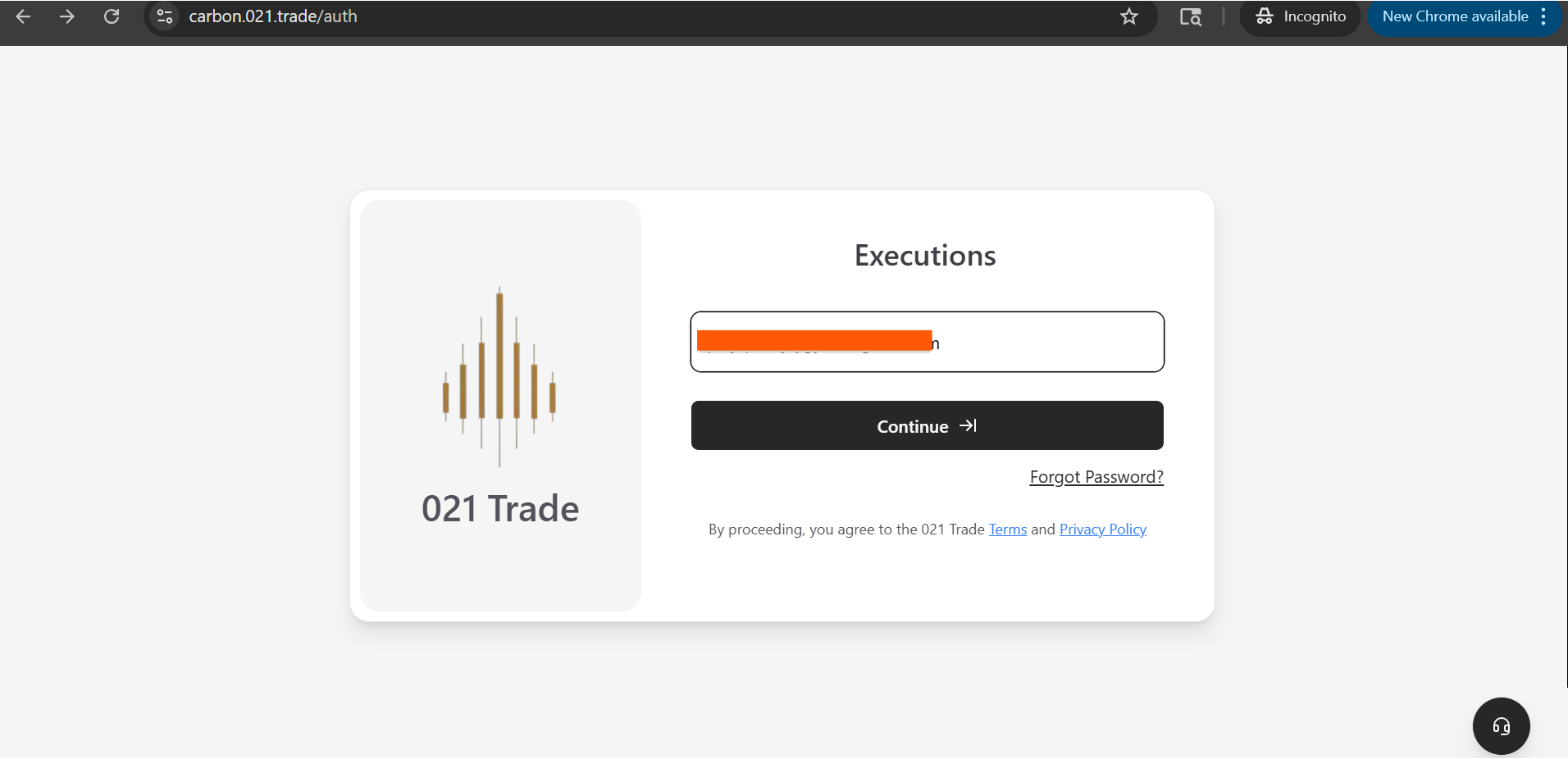
- Enter your registered Email ID to proceed.
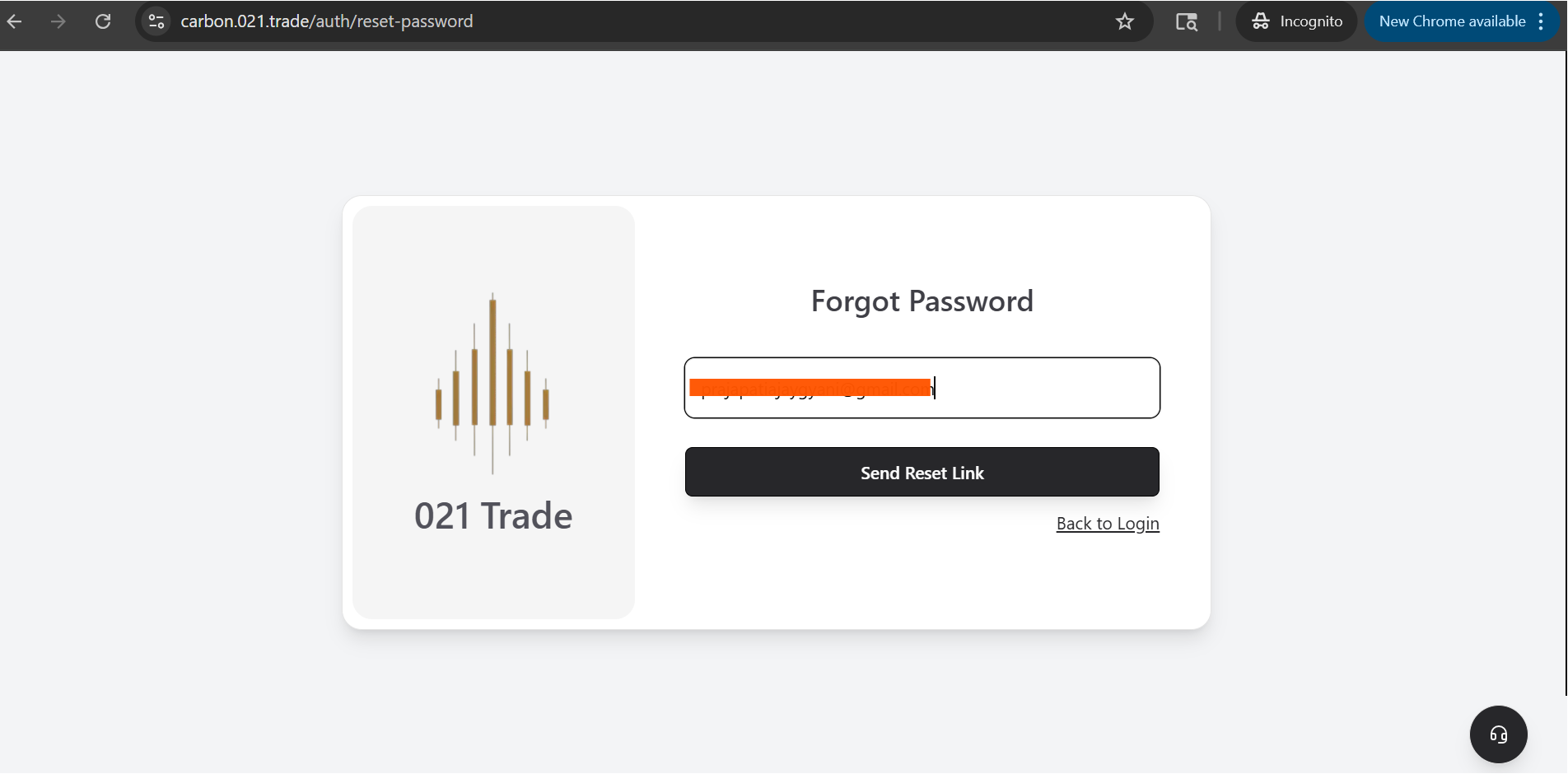
- You will receive a password reset link in your inbox.
- Click on the “Reset Password” link and enter your new password. Re-enter it to confirm.
- Ensure your new password meets the following requirements:
- At least one uppercase letter
- At least one lowercase letter
- At least one number
- At least one special character (@, $, #)
- Minimum 8 characters in total
As you create your password, each requirement will be validated on the screen.
Once completed, you can log in and start using the Carbon platform with your new password.


