
How to place basket order?
How to place basket order? Find a clear answer in this FAQ by 021 Trade.
you can place a basket order through the website by following these steps:
- Log in to your 021.Trade account.
- Click on View Basket.
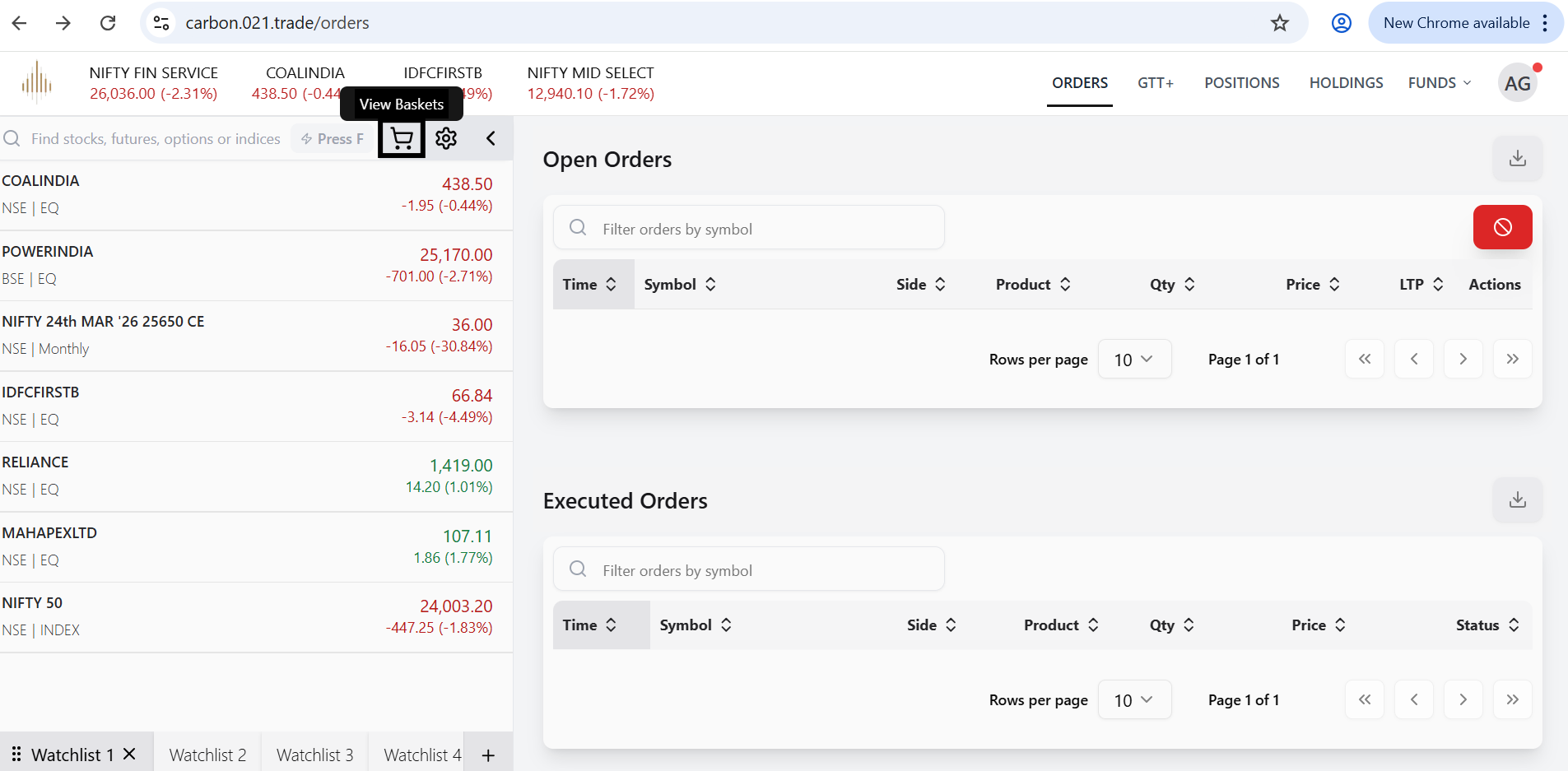
- In the search bar, search for the stock you want to add.
- Select the stock and click on Add Stock to add it to the basket.
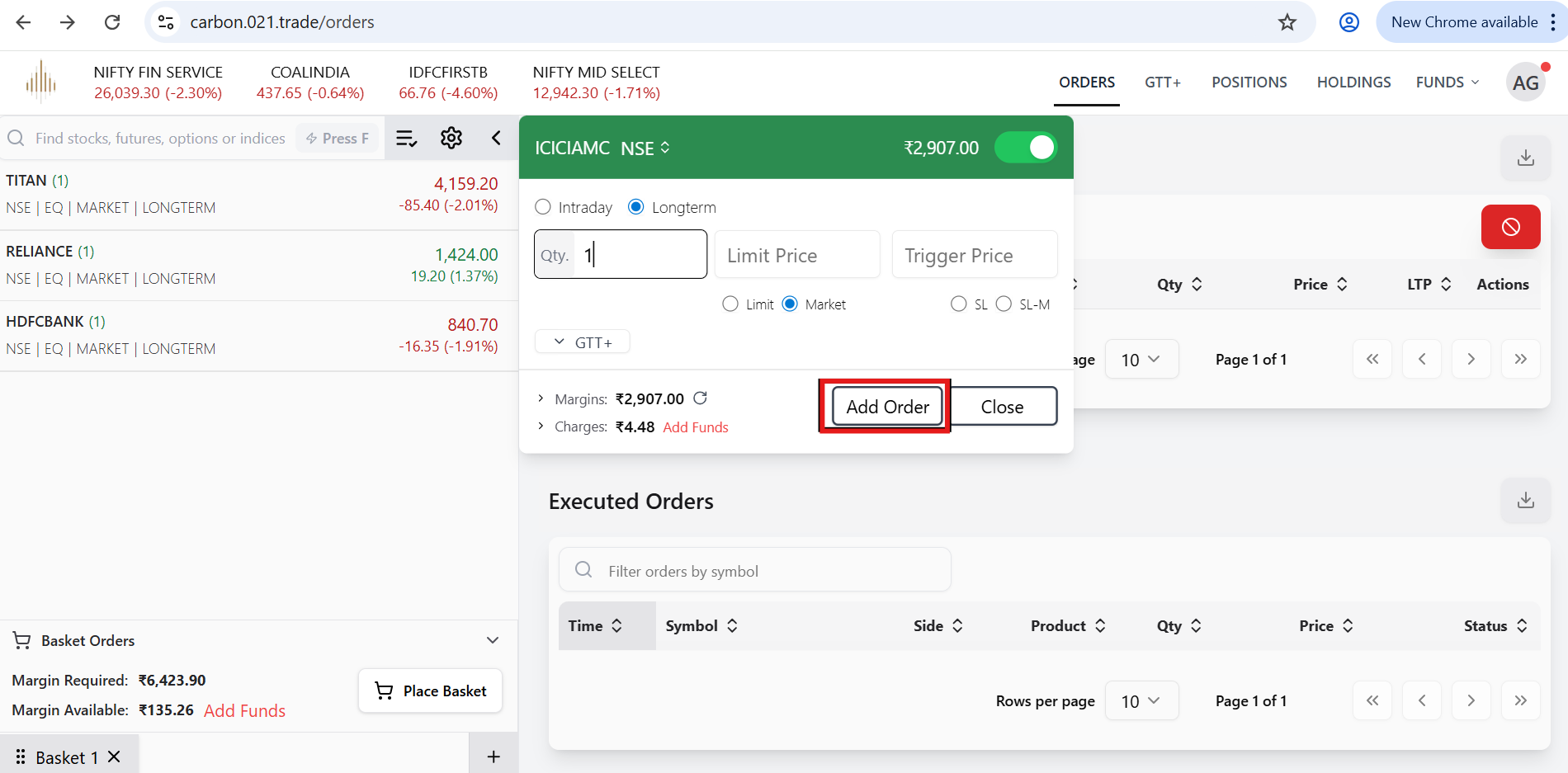
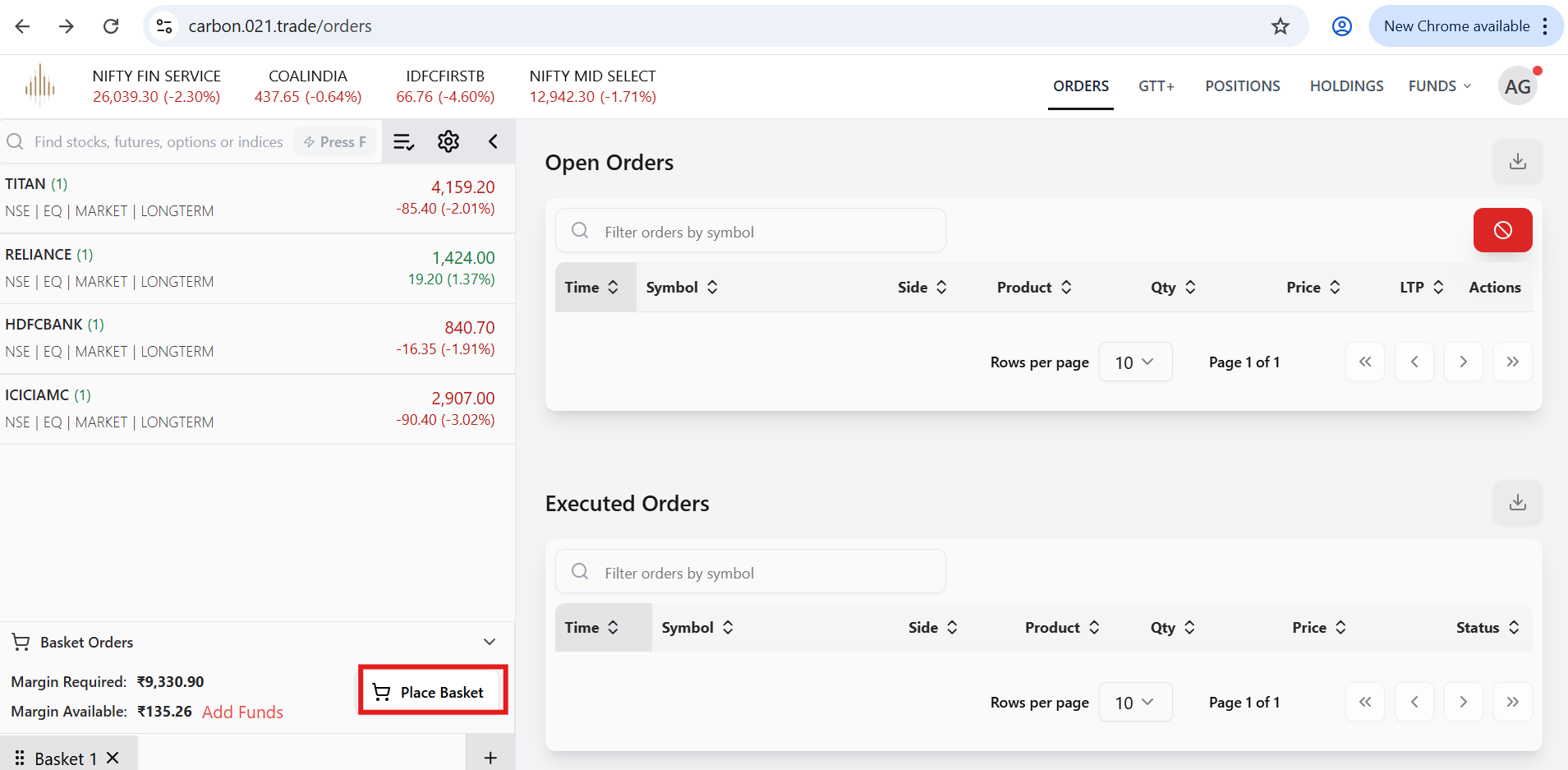
- After adding all the required stocks to your basket, click on Place Basket.
- Then click on Place Basket Order to execute the orders.
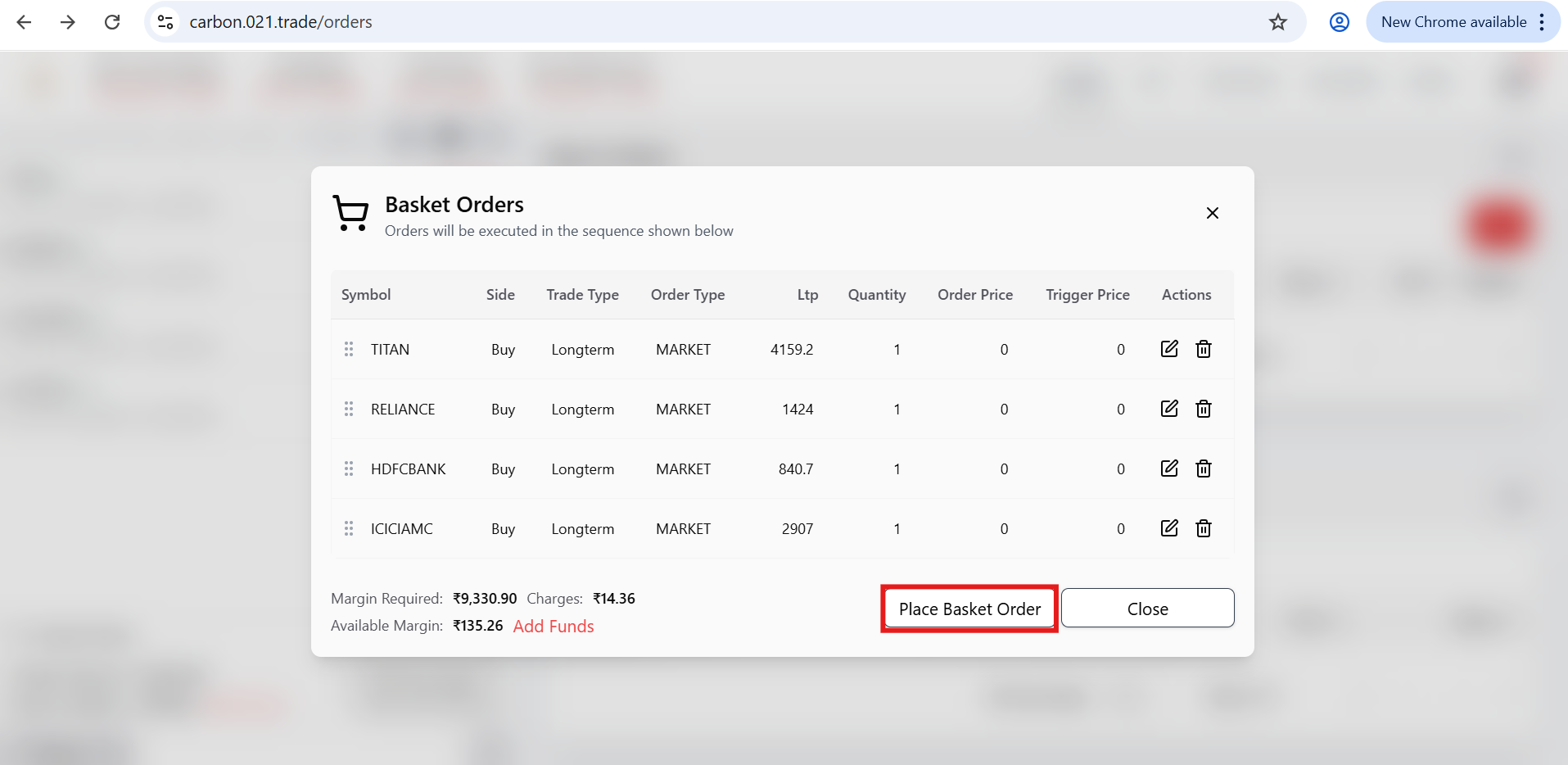
Once you place the basket order, your orders will be submitted. However, if you do not have sufficient funds in your account, the order will be rejected with the appropriate reason displayed.”


