
How to link PAN with Aadhaar?
How to link PAN with Aadhaar? Find a clear answer in this FAQ by 021 Trade.
Linking PAN with Aadhaar – Step-by-Step Guide
Linking your PAN with Aadhaar is a mandatory process as per government regulations. It also simplifies income tax filing, as Aadhaar-based e-verification removes the need for physical documentation.
Steps to Link PAN with Aadhaar:
- Visit the official Income Tax e-filing portal: https://eportal.incometax.gov.in
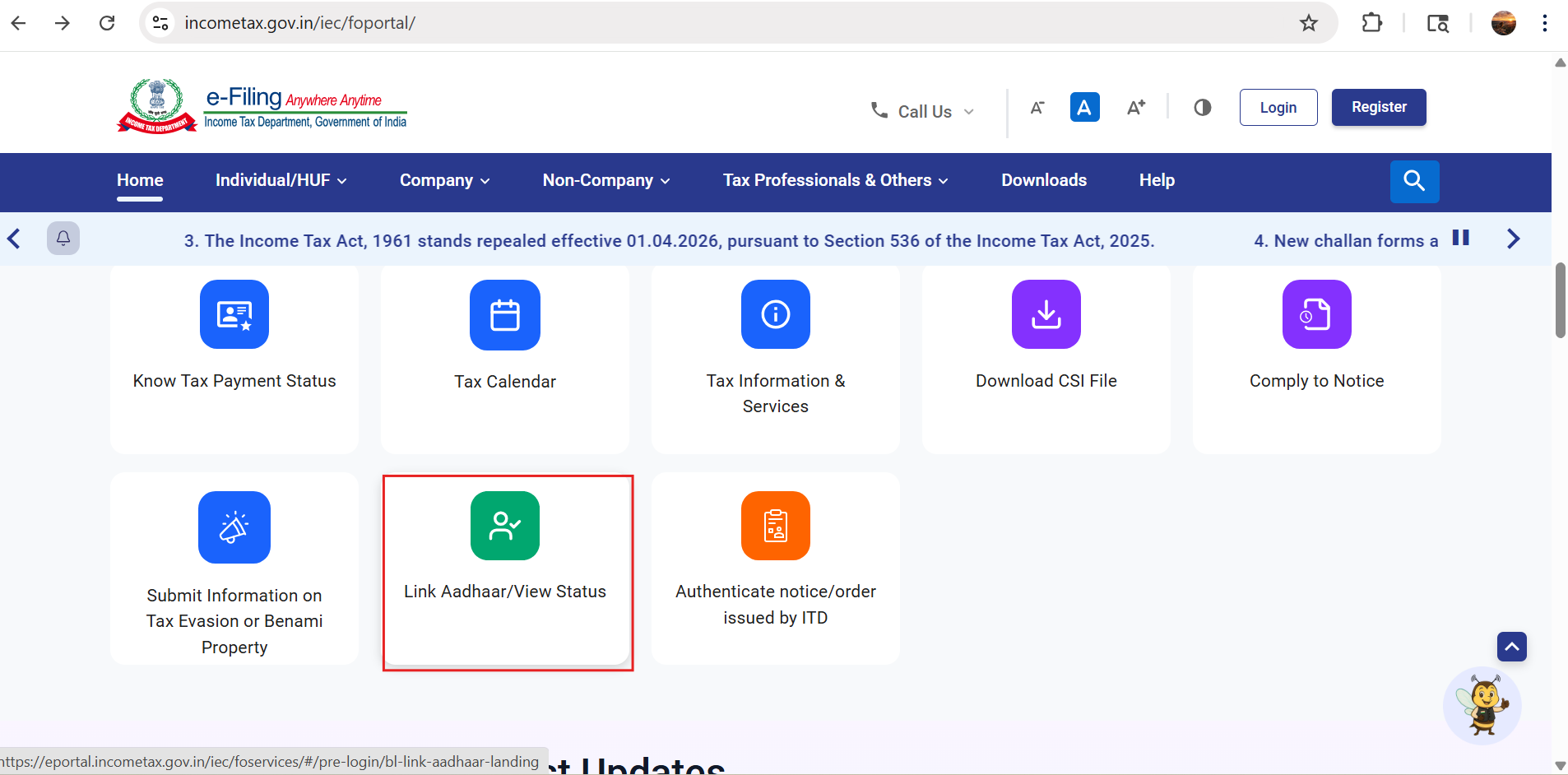
- Enter your PAN and Aadhaar number.
- After validation, enter your name exactly as per Aadhaar and provide the mobile number linked with your Aadhaar.
- If there is any mismatch in your name or date of birth between PAN and Aadhaar records, you will need to correct the details before proceeding.
- You will receive an OTP on your registered mobile number. Enter the OTP to complete the verification.
- Once the process is successful, a confirmation message will be displayed.
Important Note:
- If you receive a message stating “Payment details not found”, it means a penalty is applicable due to missing the linking deadline.
- Click on ‘Continue to Pay Through e-Pay Tax’ and pay the penalty fee of ₹1,000.
- After payment, return to the portal and complete the linking process again if required.
Once your request is successfully submitted, you will receive a confirmation notification upon completion.


