
How to create a watchlist and how to rename it?
How to create a watchlist and how to rename it? Find a clear answer in this FAQ by 021 Trade.
1. Navigate to the Watchlist Section:
Open the Watchlist section in the 021 Trade platform from the main menu.
2. Select the “Create New” Option:
Click on the “+” icon or the Create New option to start creating a new watchlist.
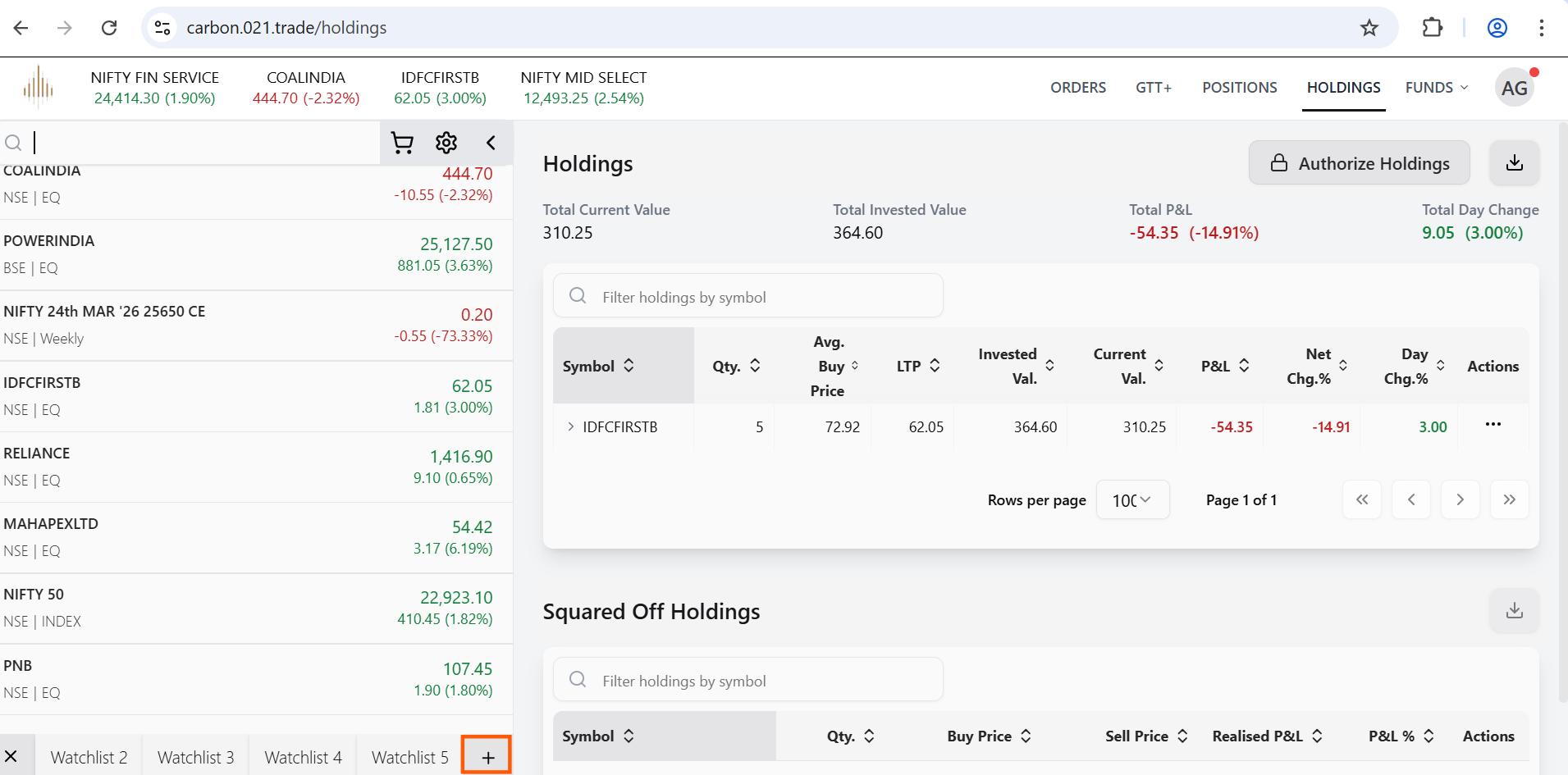
3. Name Your Watchlist:
Enter a clear and descriptive name for your watchlist, such as Tech Stocks, Growth Portfolio, or Favourites.
4. Add Stocks:
After creating the watchlist, search for the desired stock names or symbols and add them to the watchlist to populate your list.
To Rename the Watchlist:
• Double-click on the watchlist name.
• The cursor will appear in the name field.
• Make the required changes and click to save the updated name.


