How do I view my current holdings and portfolio?
How do I view my current holdings and portfolio? Find a clear answer in this FAQ by 021 Trade.
1. Log in to your account.
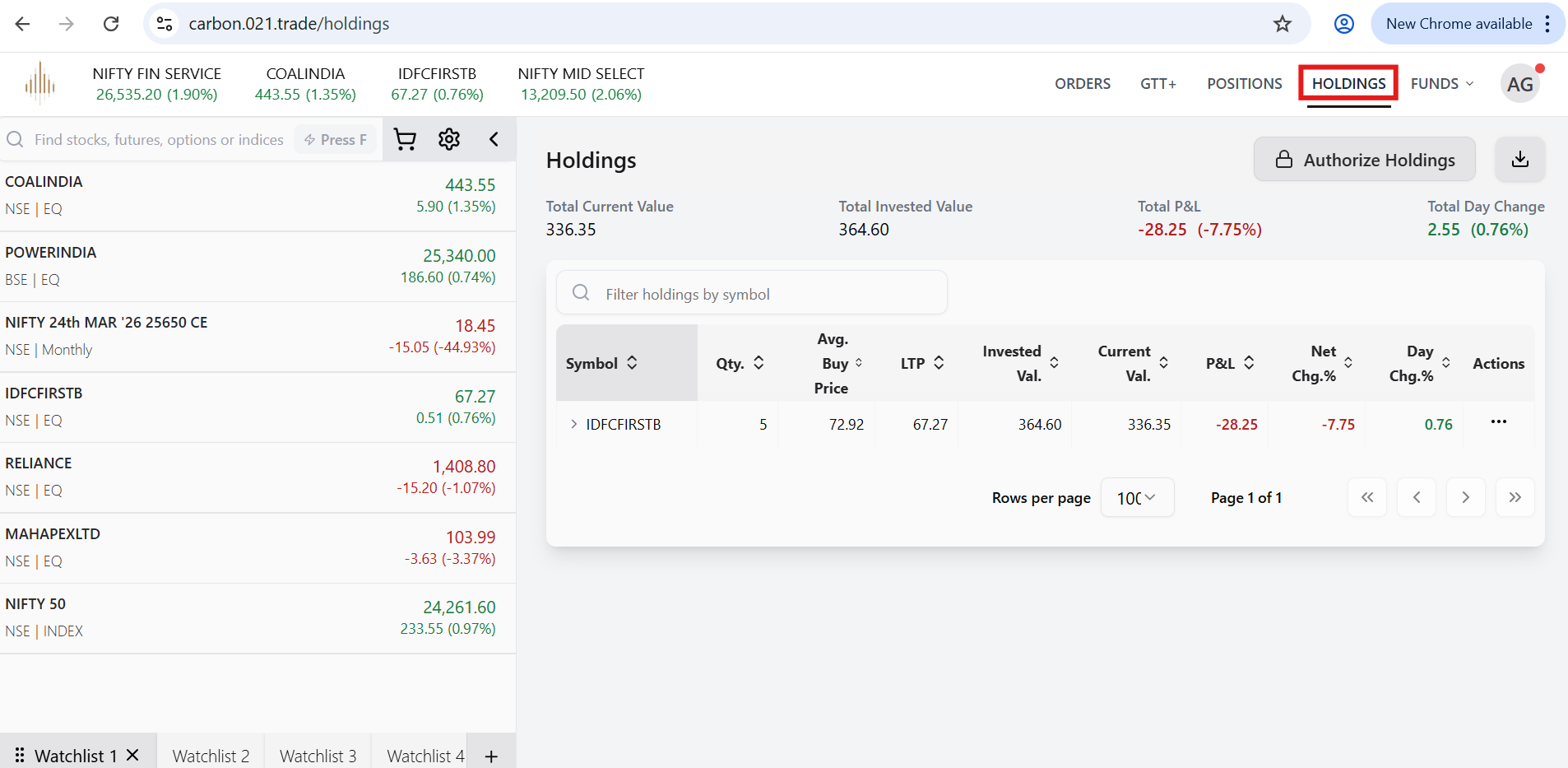
2. Our Trading Platform-Click on Holdings (top right corner on website).
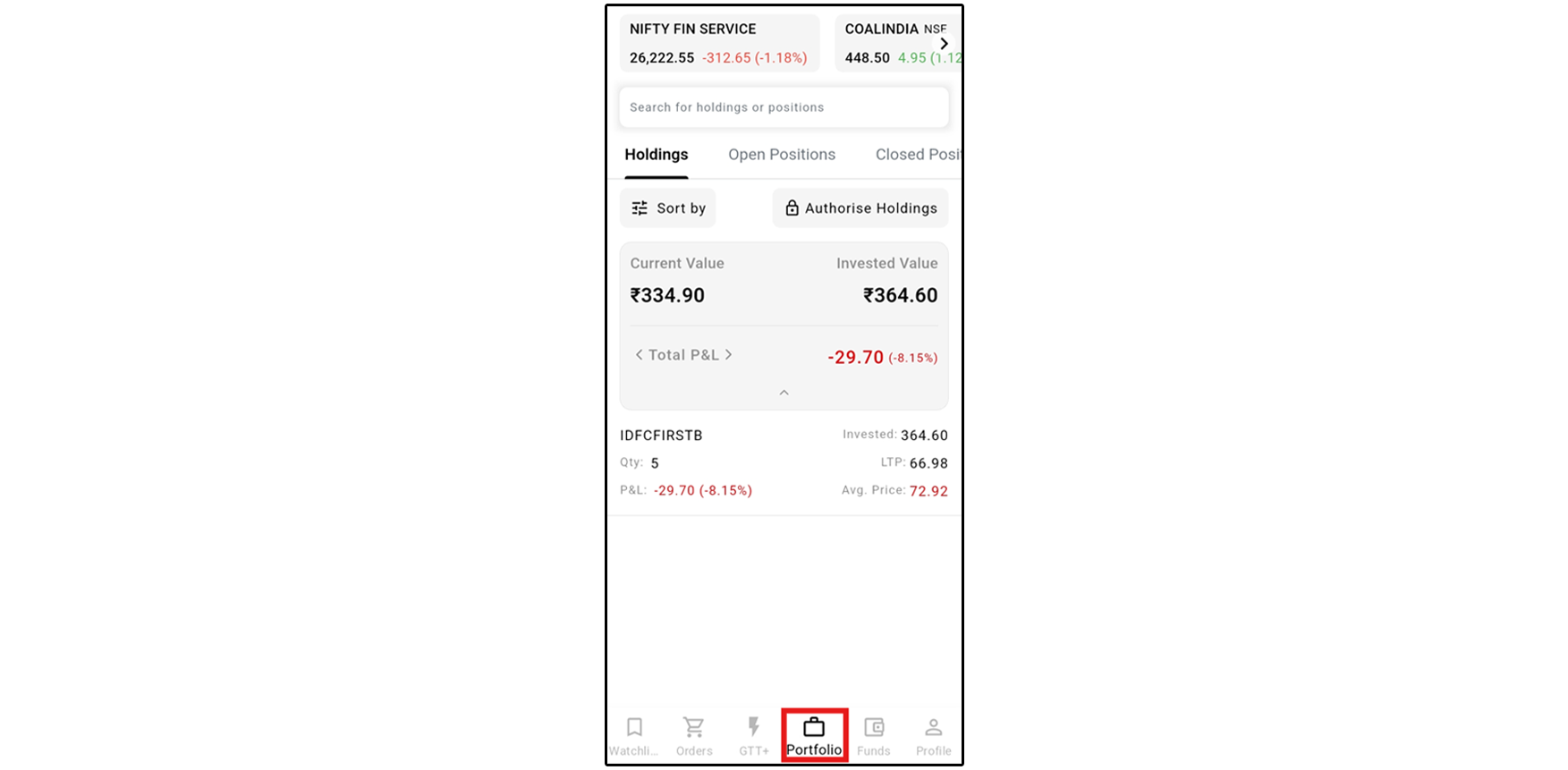
- Our Mobile App – Tap on the Portfolio tab.
4. You can view all delivery shares credited to your Demat account held with Central Depository Services Limited (CDSL)
Note: Holdings are updated on a T+1 basis after trade settlement is completed.