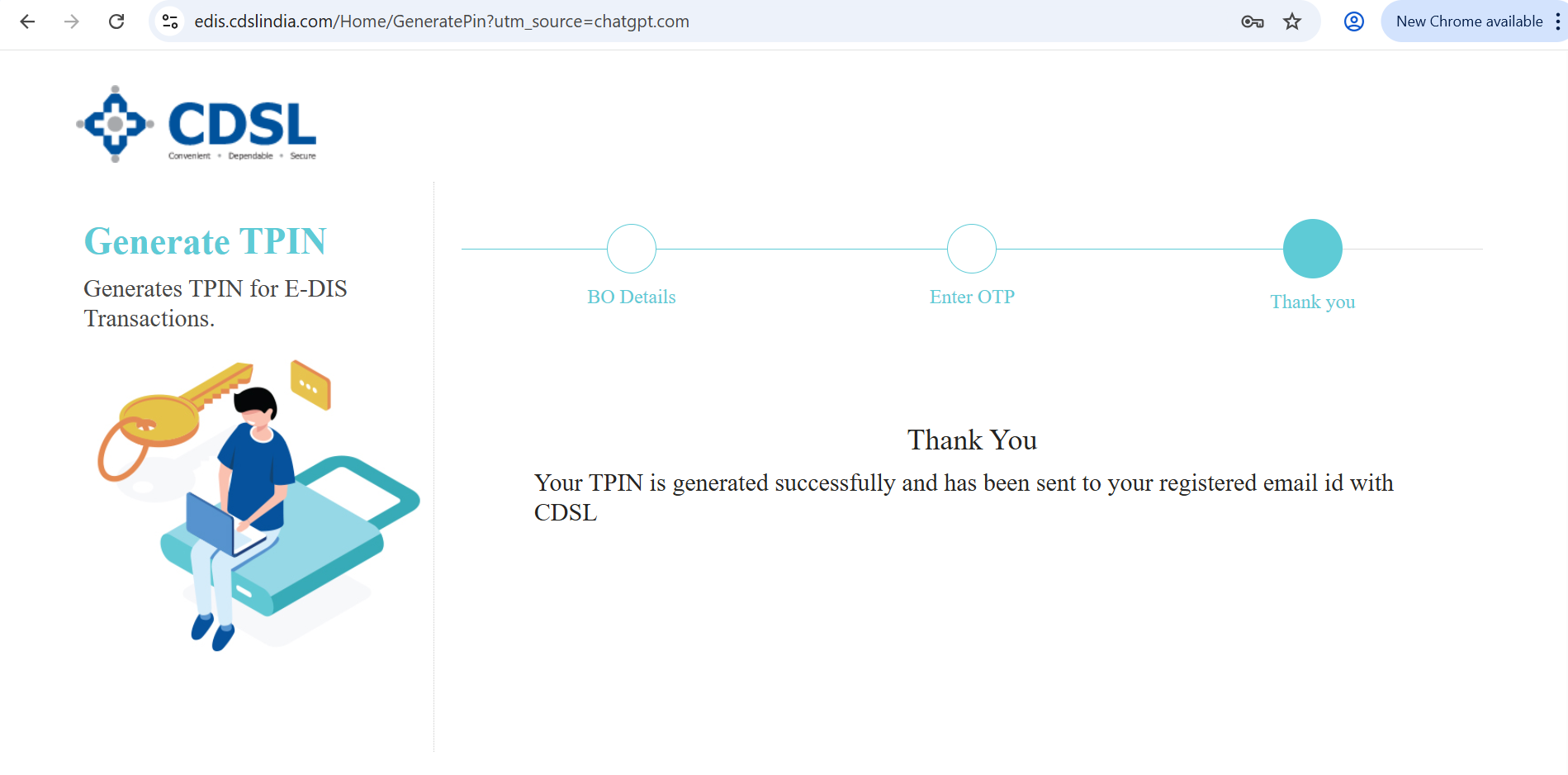
How can I regenerate my CDSL TPIN if I've forgotten it?
- To regenerate a new TPIN from CDSL website, follow these steps:
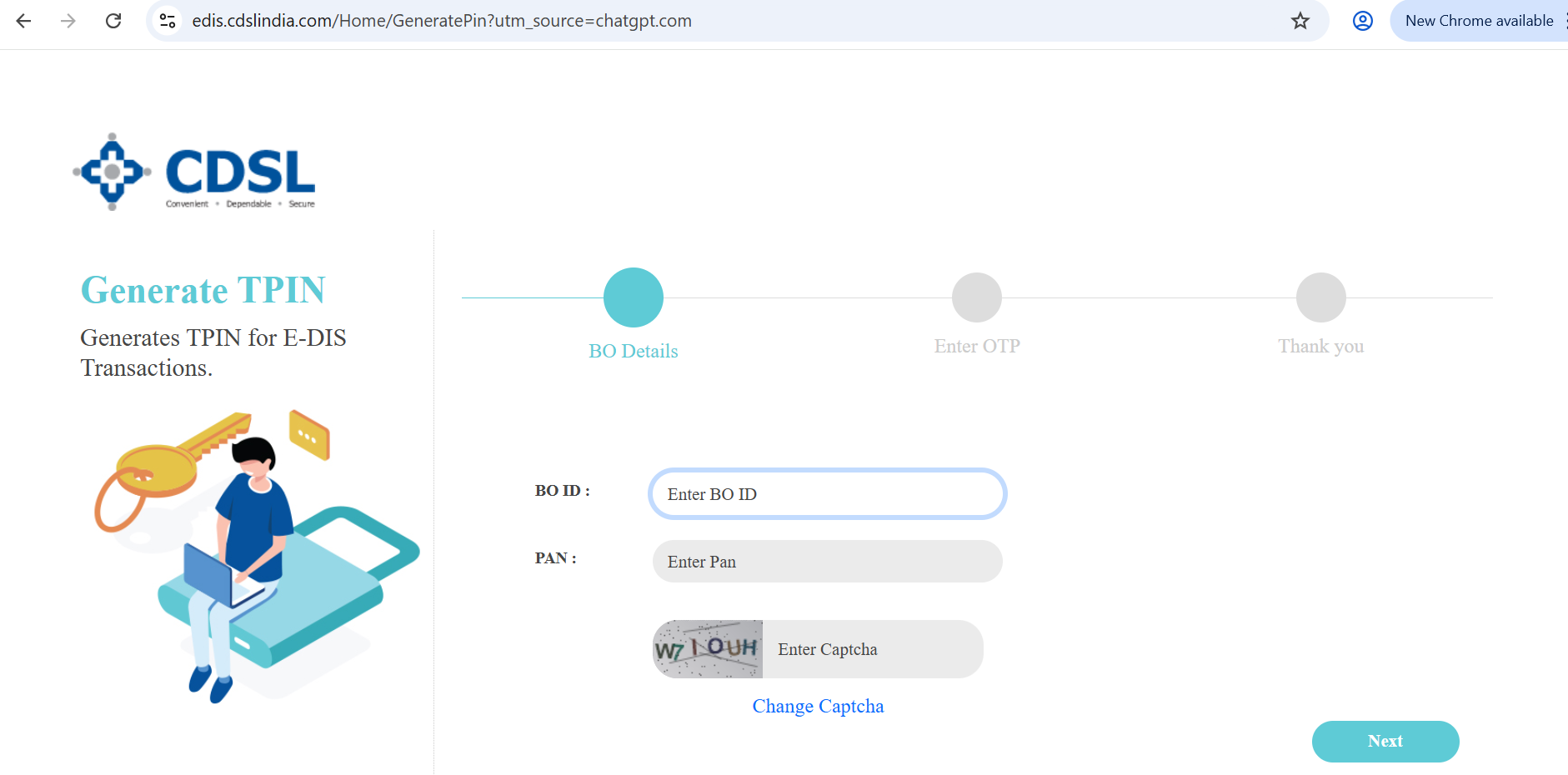
- Visit edis.cdslindia.com/home/generatepin.
- Enter your 16-digit demat ID and PAN.(Path: Profile → Demat → BO ID)
- Enter the captcha and tap on Next
- Enter the OTP received on the registered email and number.
- Tap on Next.
- TPIN will be sent to the registered email and mobile number.